FREE 8×10 Zombie Print Deal at CVS: No Cost
Updated March 27, 2026
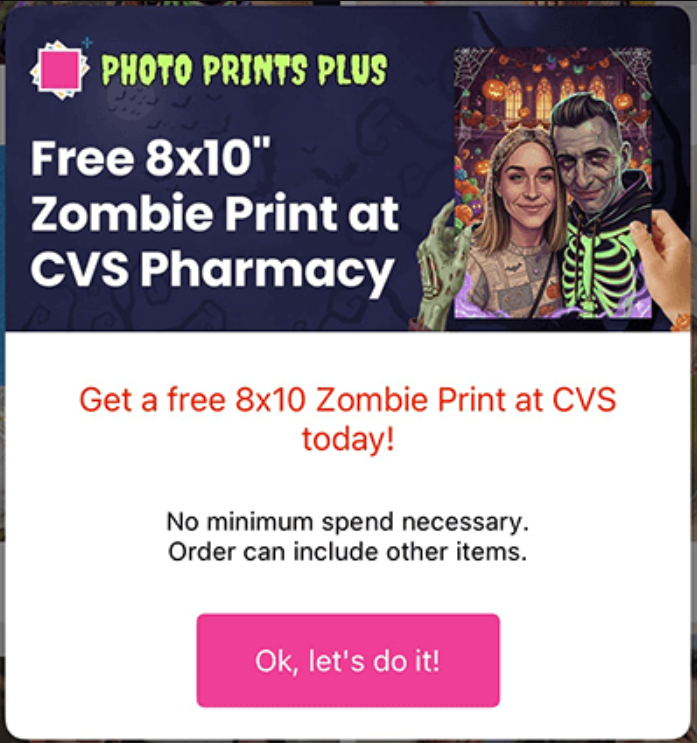
Get a FREE 8×10 Zombie Print at CVS! Follow these simple steps to claim yours:
Instructions:
- Download the Photo Prints+ app on your iOS or Android device.
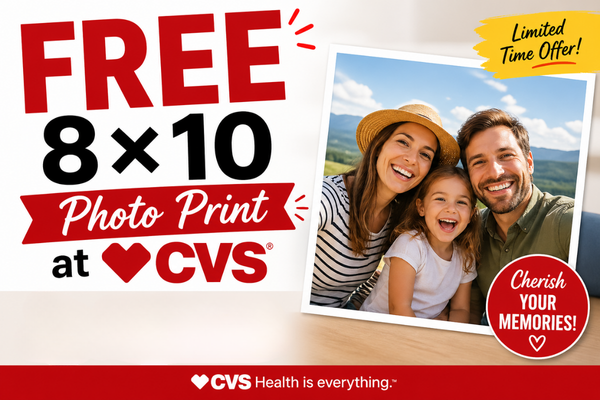
- Open the app, then click the link from your phone. You should see a pop-up that says “FREE 8×10 Zombie Print at CVS” (see image above).
- If the pop-up doesn’t appear, simply click the link again — it should open directly in the app.
- Select the 8×10 Zombie Print, upload your photo, and proceed to checkout. Your total should show as $0.00.
- Place your order and pick it up at your chosen CVS location.
Join our WhatsApp group, Telegram channel, and Facebook Group for kids’ deals, fashion deals, and other crazy deals.
Download our mobile app for hot deal notifications.
Visited 10 times, 1 visit(s) today
Was this deal helpful?